Set up free shipping
Reward bigger carts with free delivery. Set a spend threshold, choose where it applies, and nudge shoppers at checkout with a spend-a-little-more banner.
Free shipping is one of the most reliable ways to lift average order value; shoppers will happily add one more item to clear the bar. Crate lets you set a spend threshold so delivery is only free when it makes sense for your margins.
How the threshold works
You pick a single number; the threshold. Once a customer's cart reaches it, their delivery fee drops to zero at checkout and they see a Free shipping unlocked message. Below the threshold, your normal rates apply as usual.
Tip: Set your threshold a little above your average order value. If most carts land around ₦15,000, a ₦20,000 bar nudges shoppers to add one more thing, without giving away delivery on orders you'd ship anyway.
Scope it to where it pays
Free shipping doesn't have to be all-or-nothing. With Applies to you can limit the offer to a region (say, your home city where delivery is cheapest) or to specific shipping zones. And the optional cart banner (spend ₦X more for free shipping) turns the threshold into a live incentive while shoppers browse.
-
1
Open Shipping
From your Crate dashboard, open Shipping in the sidebar (under Operations). This is where every delivery rule for your store lives.
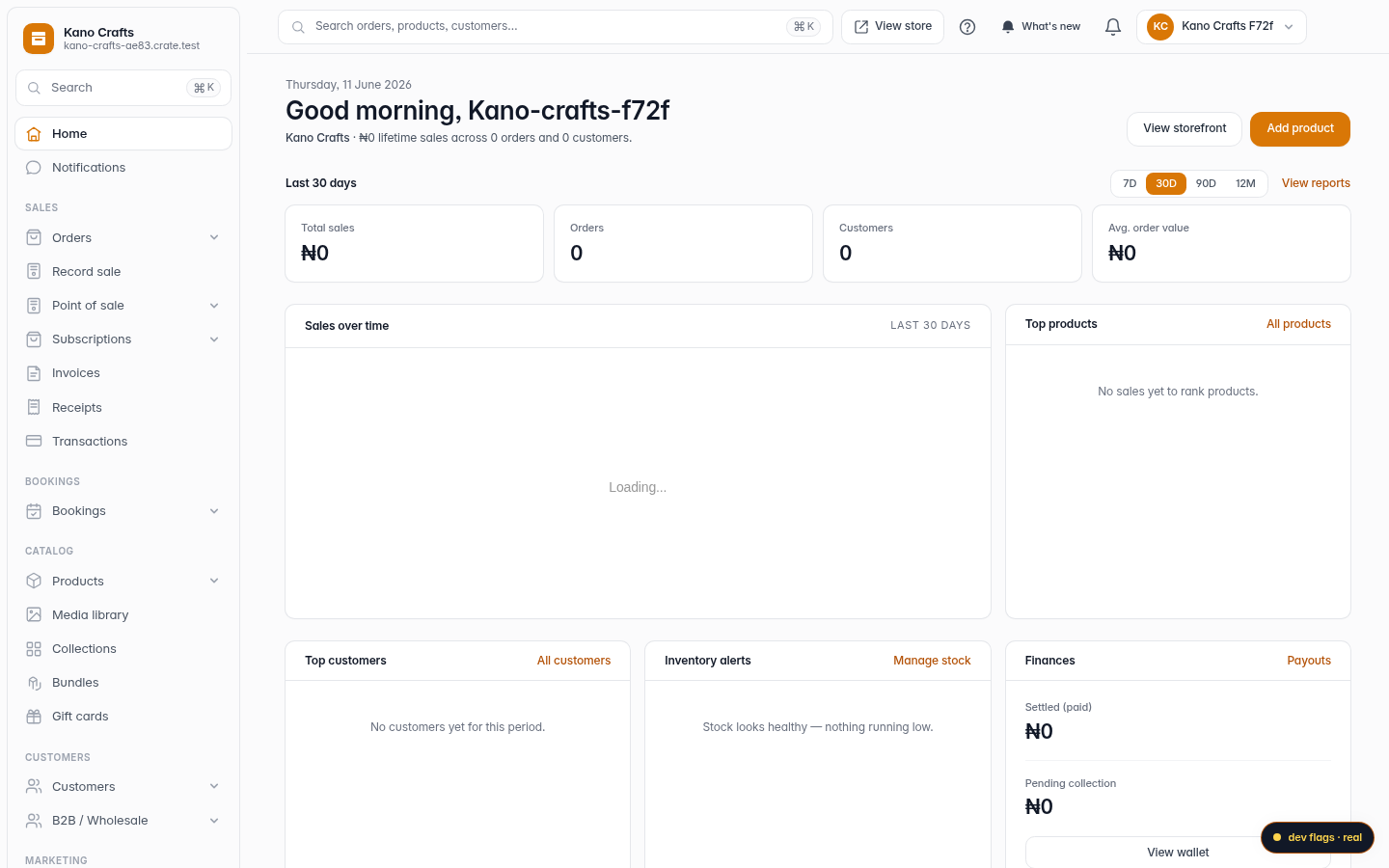
Web 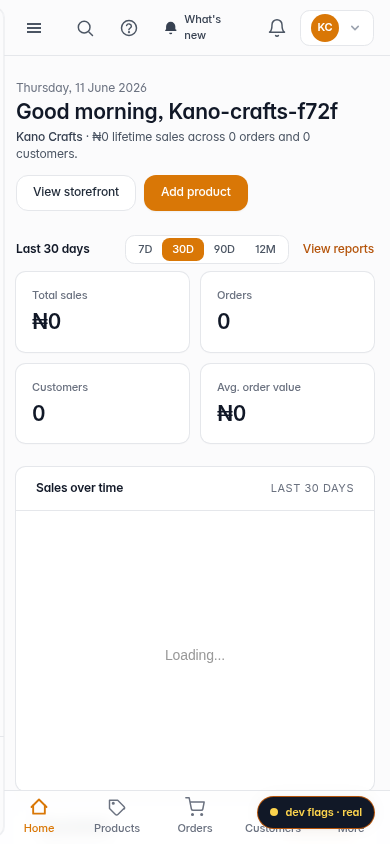
Mobile -
2
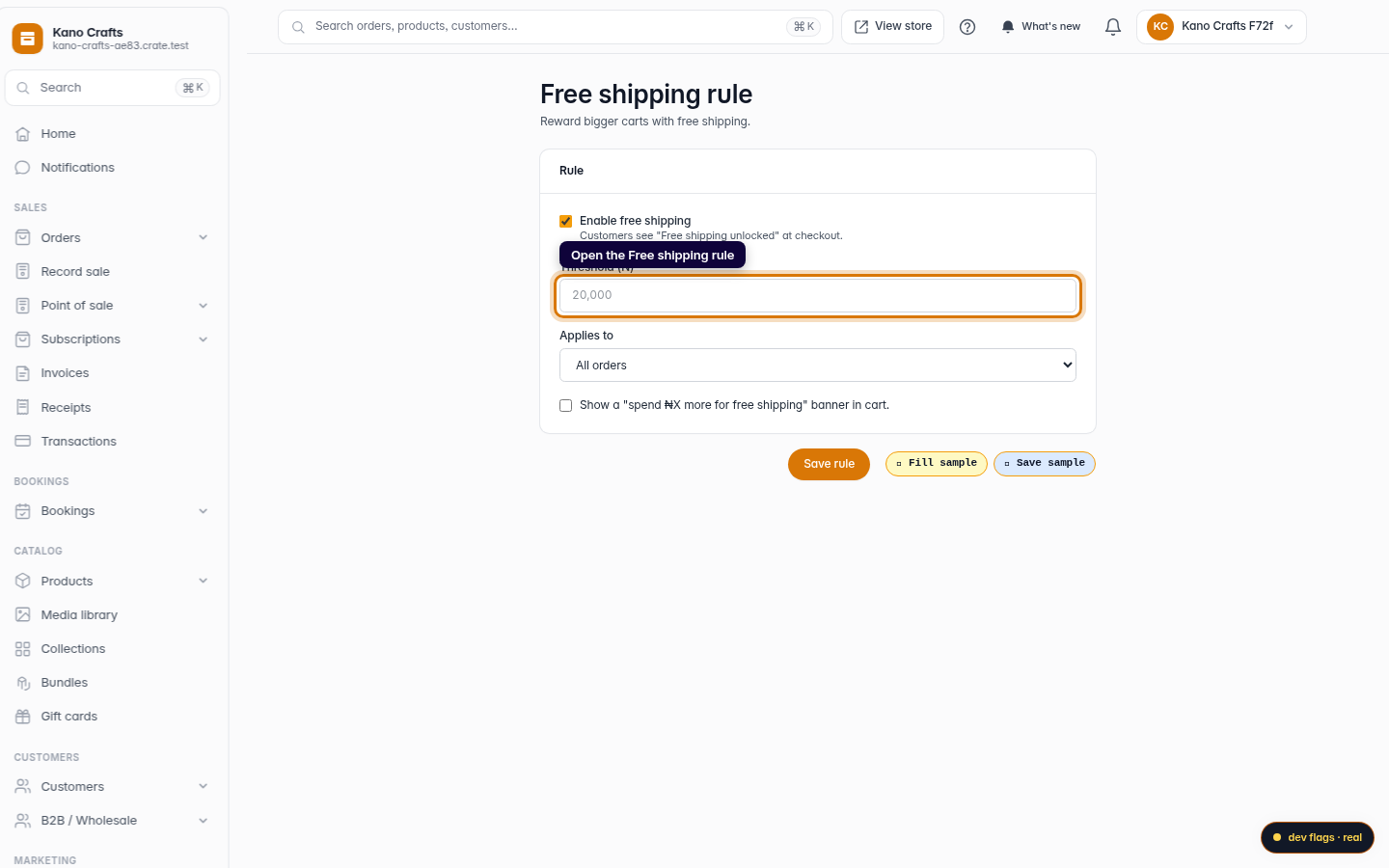
Go to Free shipping
Open the Free shipping rule. Crate gives free shipping its own page so you can tune the threshold without touching your other rates.
Web -
3
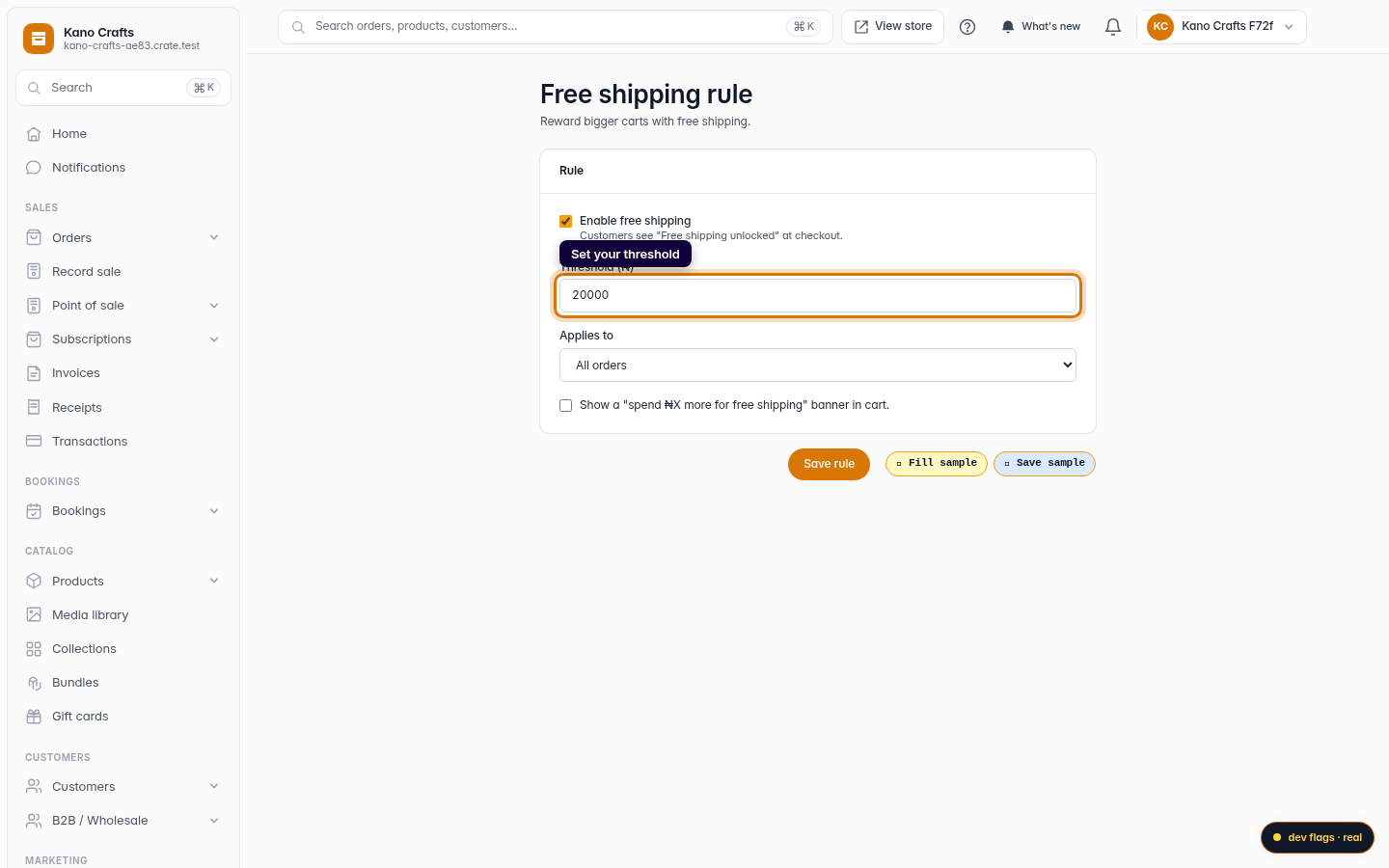
Set your threshold
Tick Enable free shipping and enter the cart Threshold: the amount a customer must spend to unlock it (for example ₦20,000).
Web 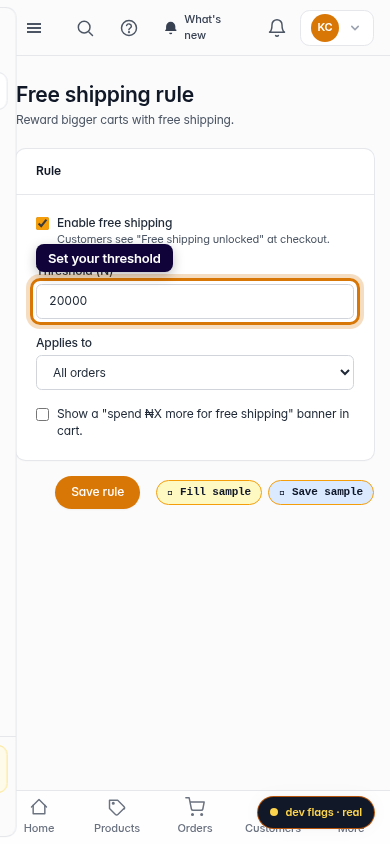
Mobile -
4
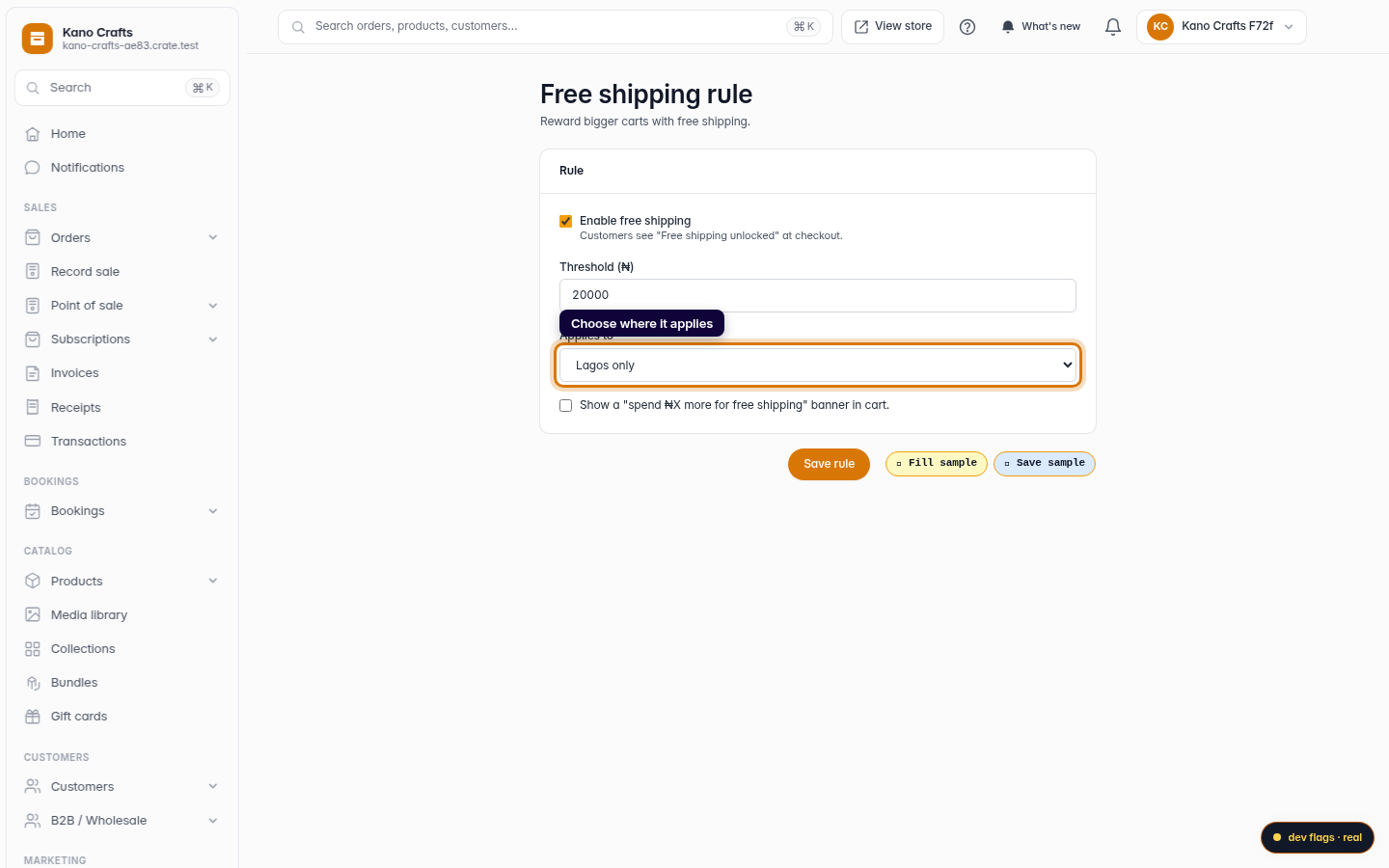
Choose where it applies
Use Applies to to scope the offer, all orders, a single region, or specific shipping zones. Optionally turn on the cart banner that tells shoppers how much more to spend.
Web -
5
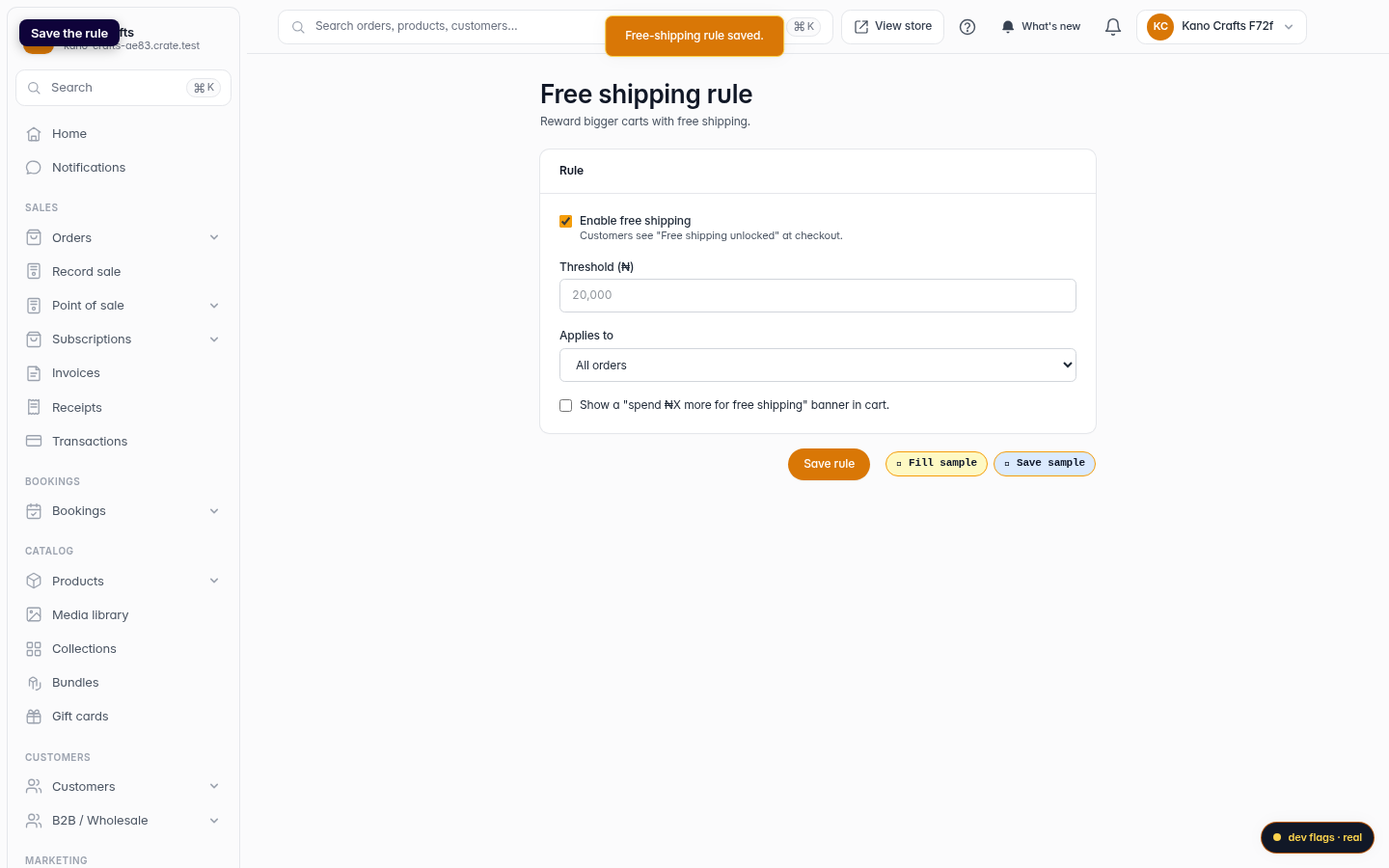
Save the rule
Click Save rule. Crate confirms with Free-shipping rule saved and the offer is live at checkout.
Web