Apply a discount code to your subscription
Have a promo code? Enter it on your billing page to save on your next Crate subscription renewal or upgrade.
A discount code is the easiest way to pay less for Crate. If you've been given a promo code (at sign-up, from a campaign, or as a returning merchant), you redeem it right on your billing page, and the saving is applied the next time you renew or upgrade.
Before you start
Subscription discount codes apply to plans of 3 months and above: quarterly, biannual and annual subscriptions qualify. You can enter a code at any time; it's held against your account and kicks in at your next paid subscription event.
Tip: Not sure your code is still live? The billing page lists the codes currently honoured, with a short note on what each one applies to.
What happens after you apply
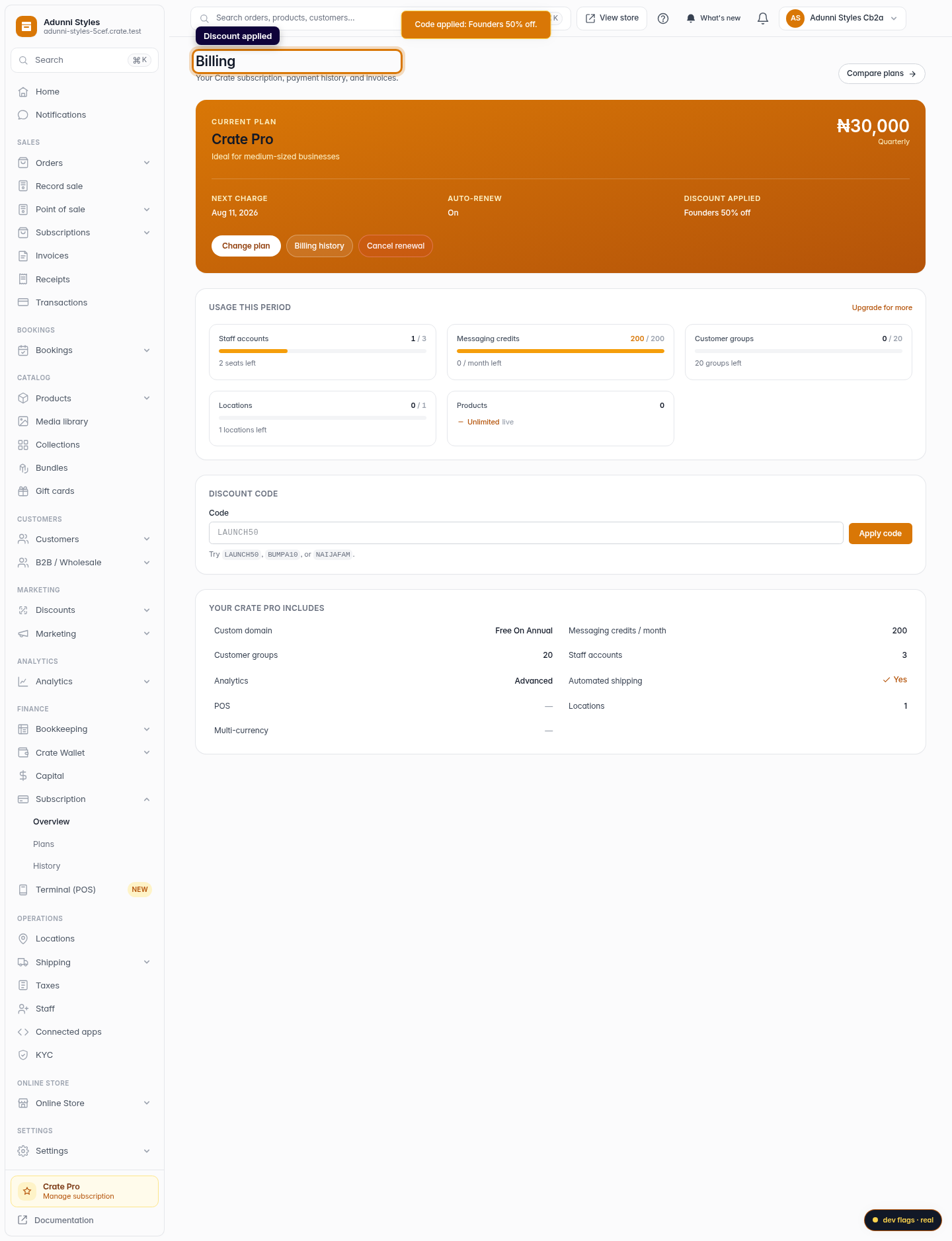
When a code is accepted, Crate shows a confirmation with the discount name and the percentage you'll save. The saving is reflected on your plan overview under Discount applied, and it's deducted automatically the next time you're charged; there's nothing else to do. If a code isn't recognised, you'll see a notice and can try another.
-
1
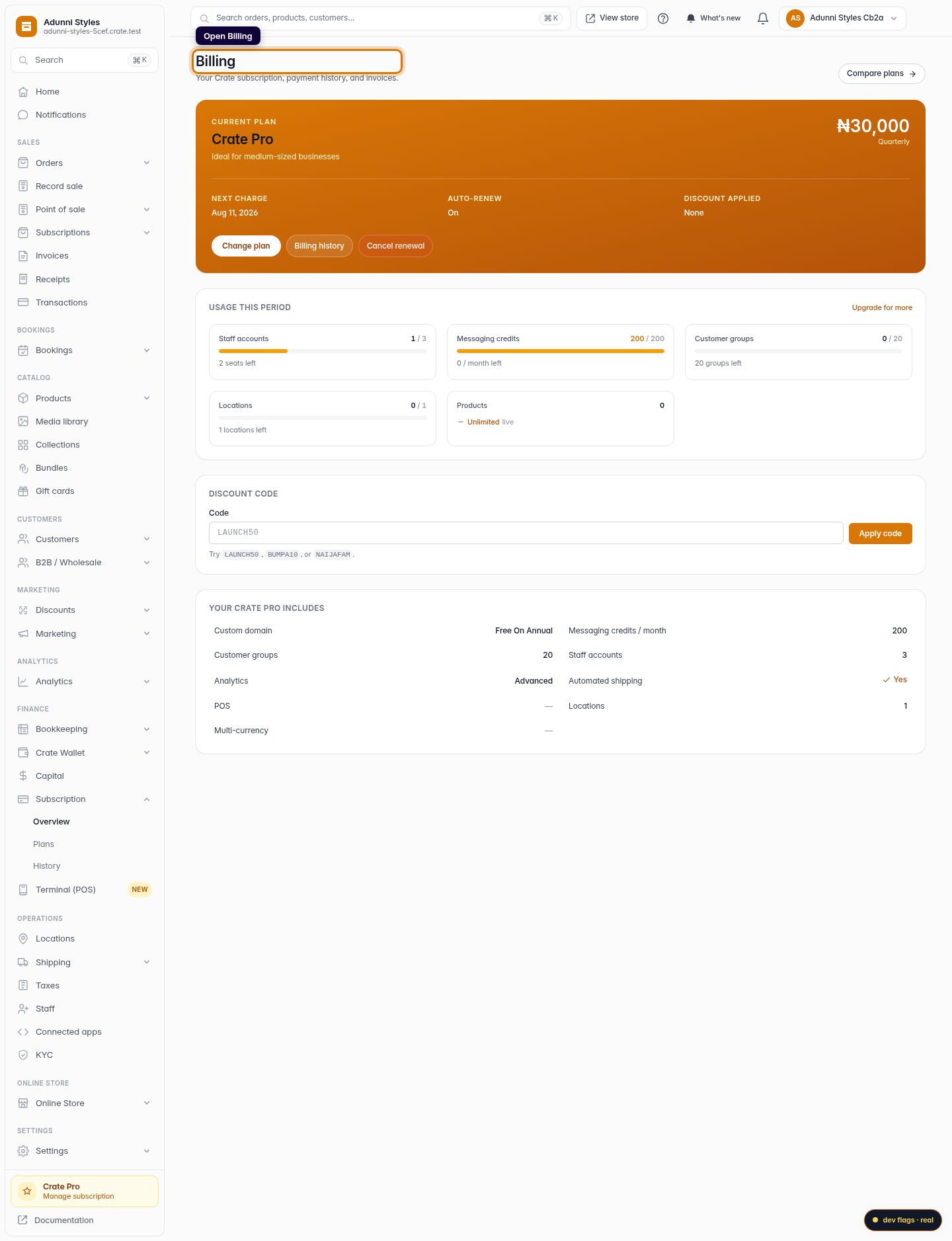
Open Billing
From your dashboard, go to Billing. This is the home for your plan, payment history and subscription discount codes.
Web 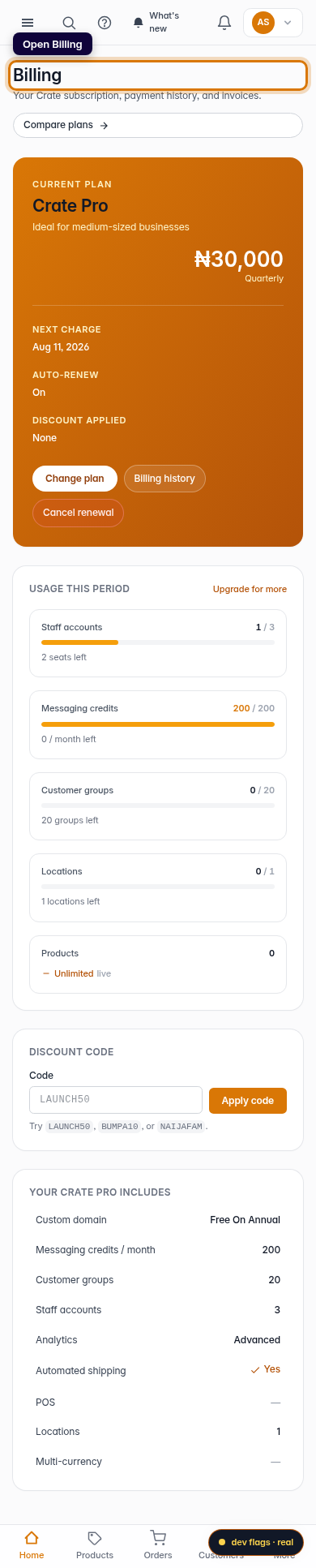
Mobile -
2
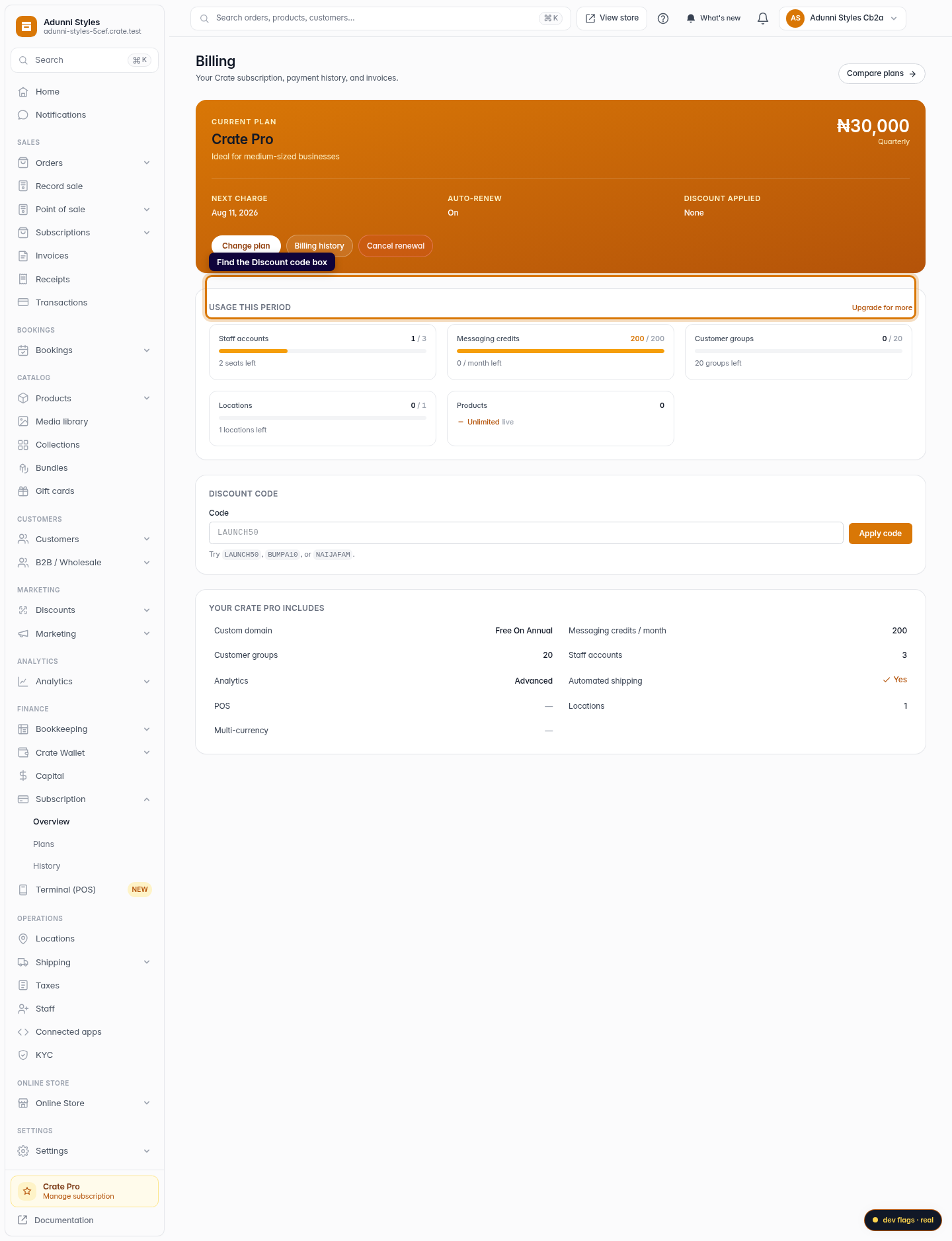
Find the discount code box
Scroll to the Discount code section on the billing page. This is where subscription promo codes are redeemed.
Web -
3
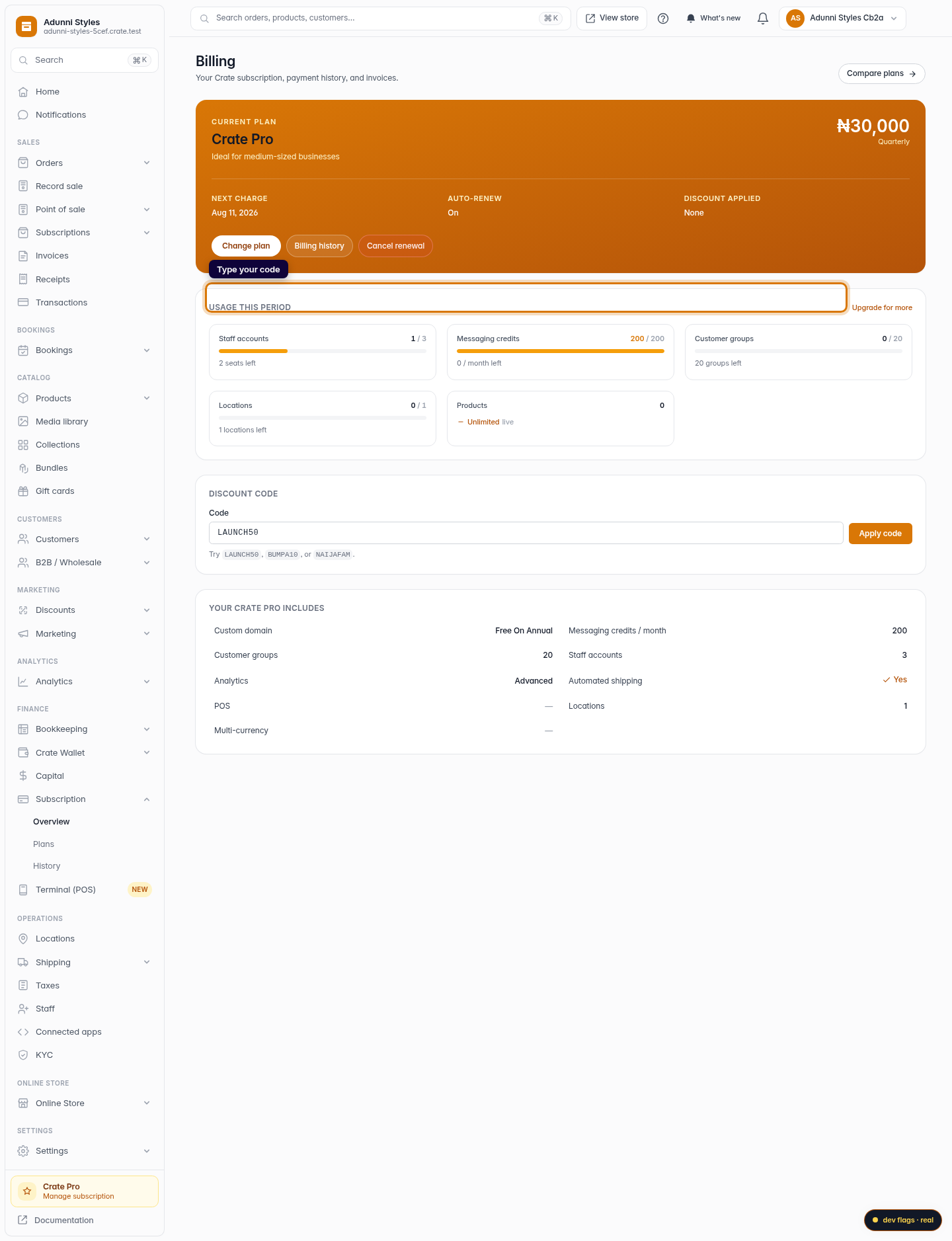
Type your code
Enter your code in the box. Codes are case-insensitive, so you don't need to match the capitals exactly.
Web 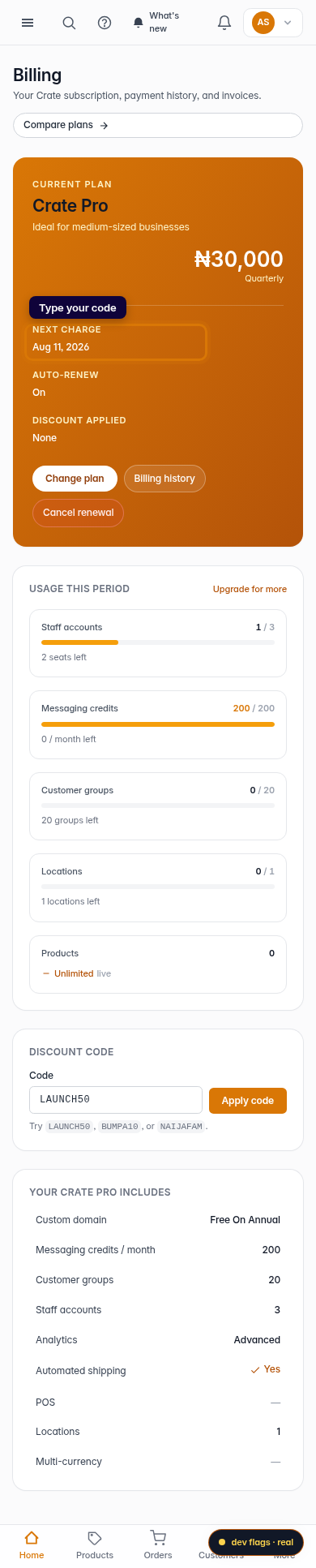
Mobile -
4
Apply it
Click Apply code. If it's valid, Crate confirms the discount and shows how much you'll save; it's automatically taken off your next renewal or upgrade.
Web 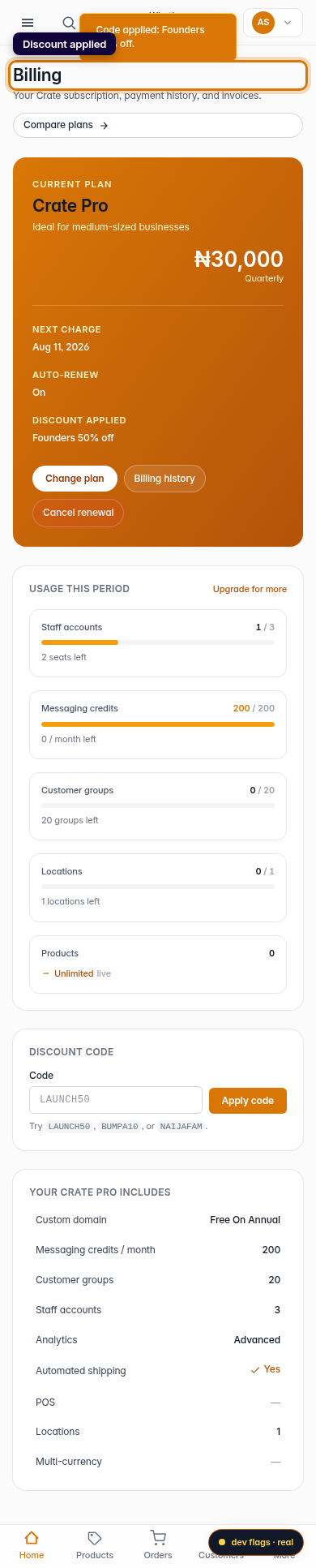
Mobile